Open source documentation
WebView Native UI
Open-source themes and native controls for apps built with Web technologies.
Themes for Ionic · Native integrations for Capacitor and Cordova
Standard setup →Try the themes ↓
Standard setup: Ionic + Capacitor 8
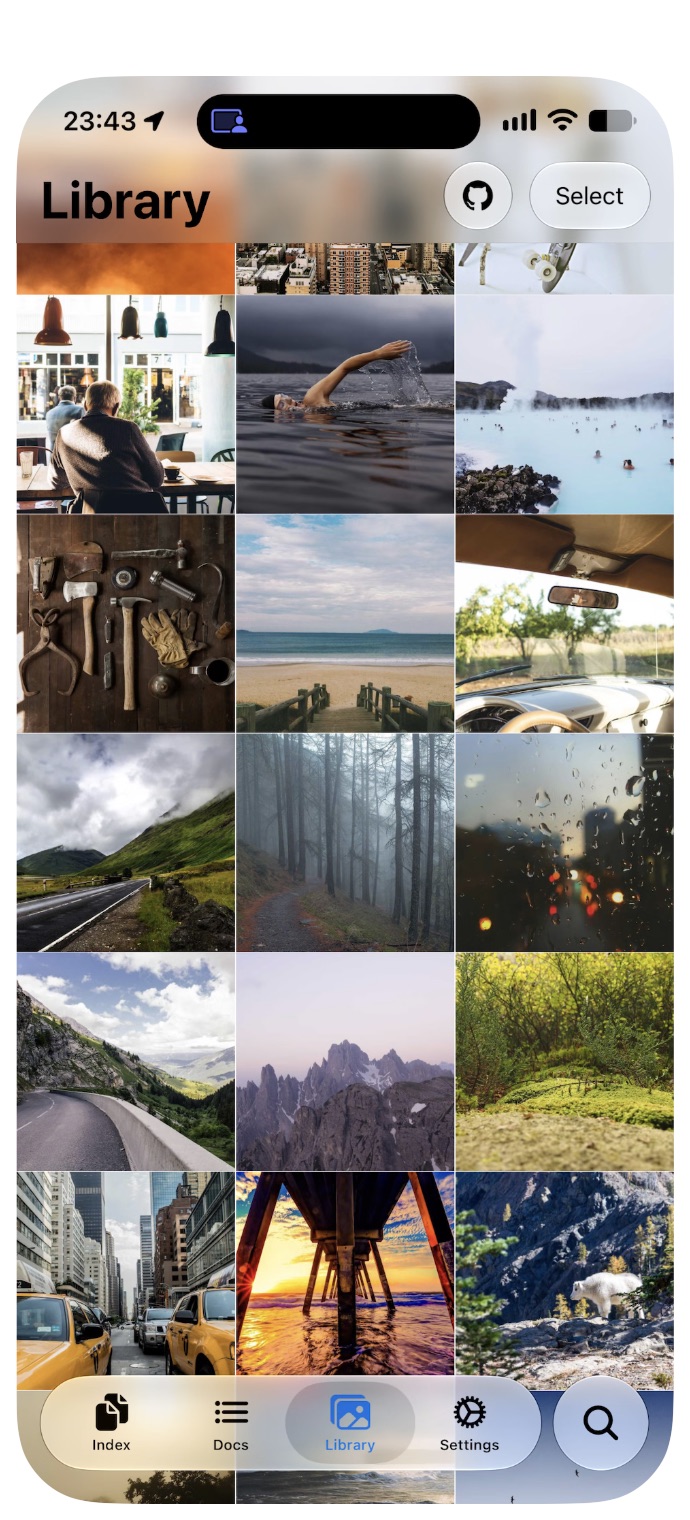
iOS · Liquid Glass
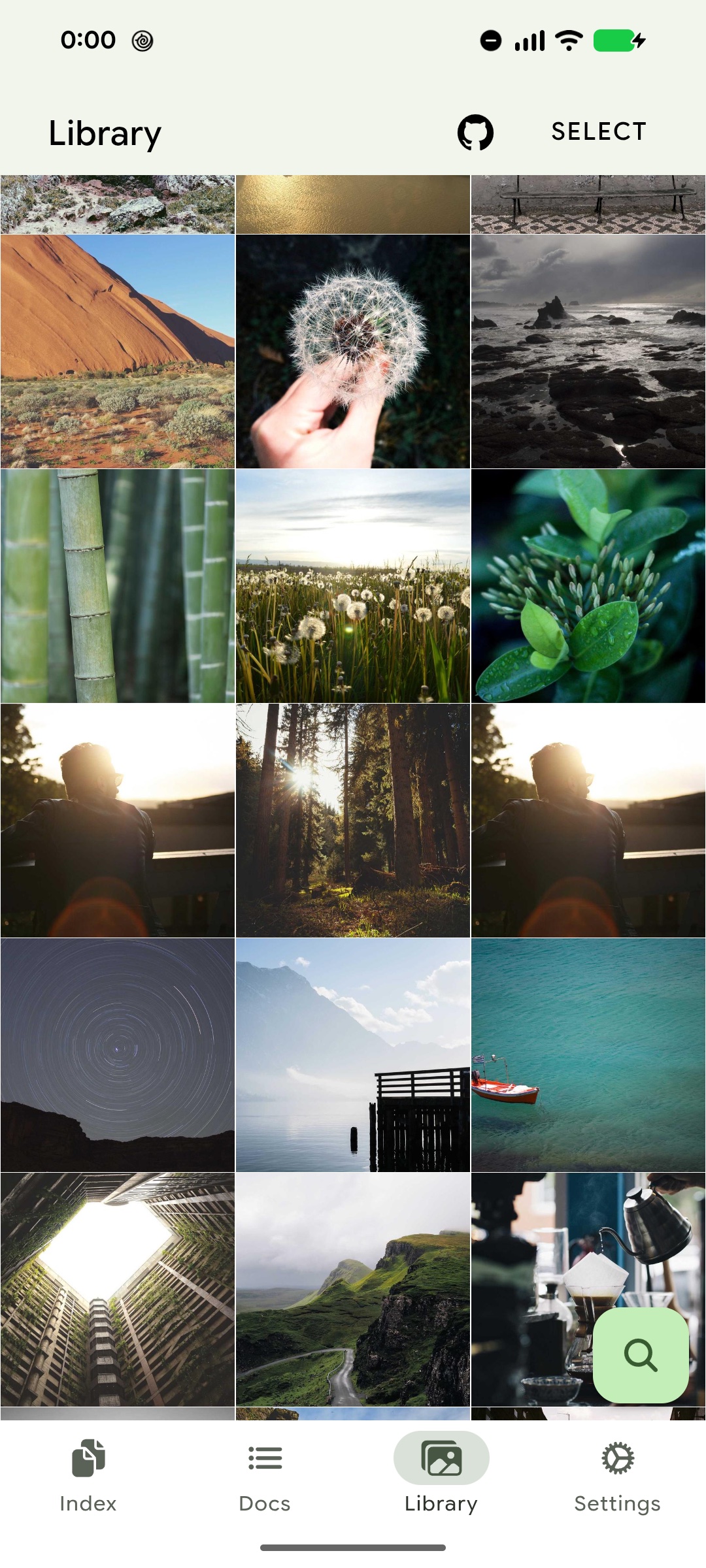
Android · Material Design 3
01
Your Web app, with platform UI.
An open-source toolkit for combining Web screens with native UI in iOS and Android apps. Build your screens with HTML, CSS and JavaScript, use themes for platform styling, and add native controls through Capacitor or Cordova.
Your app keeps its state, navigation and event handlers in the Web layer. The themes are built for Ionic; native UI integrations also support HTML without Ionic. The standard setup below brings the pieces together for an Ionic app with Capacitor.
iOS: Liquid Glass styling and native controls
Use iOS 27 theme styling with built-in native controls on iOS 26+ (Xcode 26+). Vertical Bars adapts to supported devices, including iPhone Duo.
Android: Material Design 3 with device colors
Style Ionic controls with Material Design 3. On Android 12+, Dynamic Color applies the device palette; unsupported devices keep the theme’s fallback colors. Built-in plugin Native UI is currently iOS-only.
02
Start with the complete setup
For an existing Ionic app with Capacitor 8. The guide installs both themes, starts Native UI and Dynamic Color, and connects device-layout notifications for Vertical Bars.
03
Understand, then customize.
Shape the appearance →
Use platform themes, then choose how your app follows light, dark and device colors.
Use native UI →
Project your Web controls into native UI while your app keeps its state, routes and handlers.
Adapt to the device →
Follow display changes and place Vertical Bars on supported devices.
Build your own native UI →
Extend the native rendering when the built-in controls do not cover your application.
Migrate an existing app →
Move to the current setup while keeping your application’s responsibilities clear.
Package reference
Look up installation variants, options and APIs for a specific package.
Themes 3
iOS and Material Design themes, motion, and layout for Ionic.
Ionic Theme iOS27
@rdlabo/ionic-theme-ios27
iOS 27 styling, motion, and Web layout for Ionic.
Read documentationIonic Theme iOS26
@rdlabo/ionic-theme-ios26
iOS 26 design styling for Ionic applications.
Read documentationIonic Theme MD3
@rdlabo/ionic-theme-md3
Material Design 3 styling for Ionic applications.
Read documentation
Plugins 2
Choose the native UI integration for your app: Capacitor or Cordova.
Developer tools 1
Shared native UI placement and lifecycle for Capacitor and Cordova plugins.